Why MFA annoyance is worth it
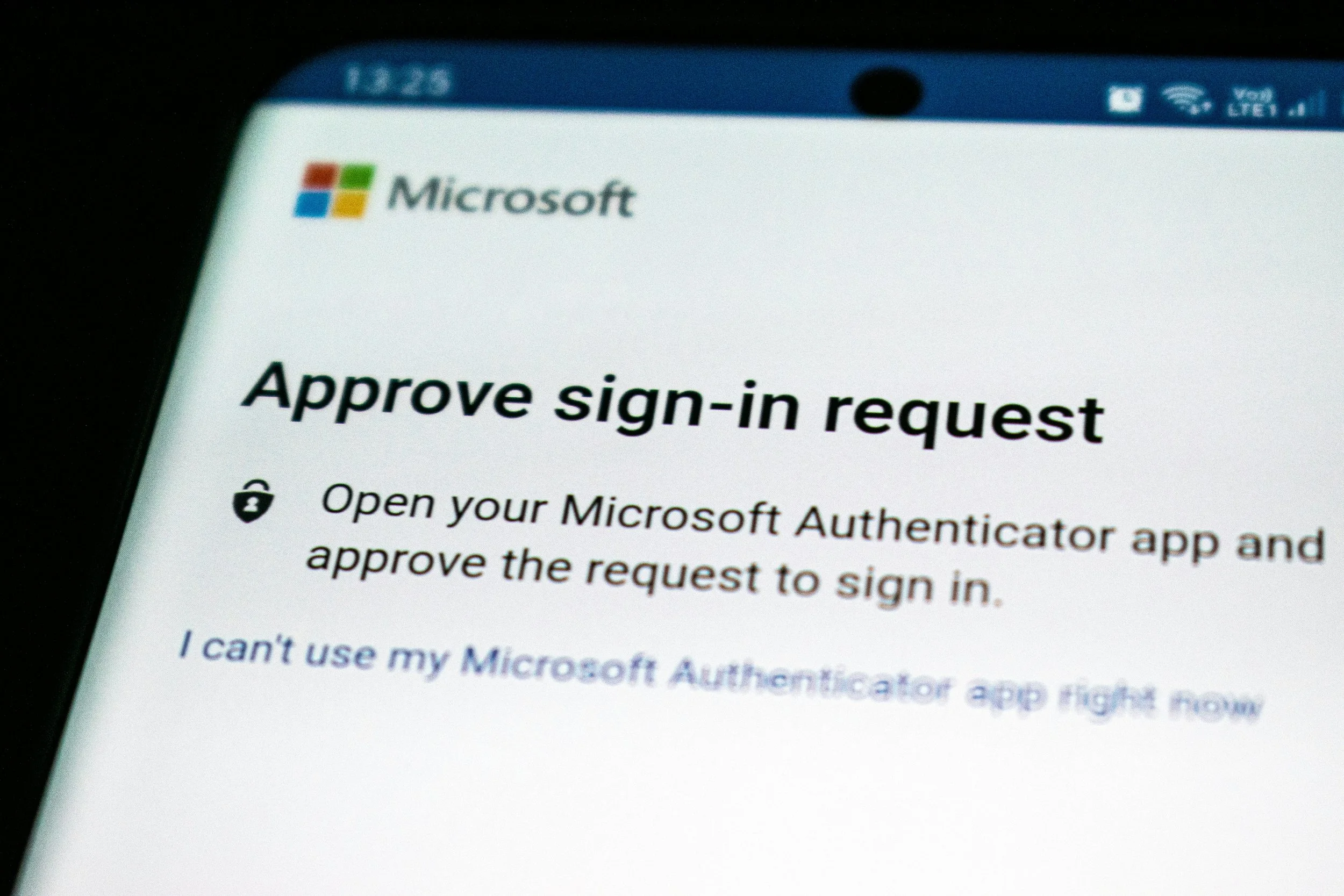
MFA. Few terms make users so annoyed. I'm sure you've seen the pop-ups practically begging you to set up MFA. Your work probably forced an authenticator app or two for you to use every time you want to sign into a work tool. It's annoying! But it's worth it.
Have you ever randomly gotten a push notification or email that has a code, but you hadn't logged into anything? Usually it'll say something along the lines of "if you didn't request this, don't give this code to anybody". That's MFA at work protecting your account.
Here's what it's actually doing in those moments, which kind to use, and why "my password is strong" isn't the answer.
Why the codes show up
Somewhere, someone is trying to sign in as you.
The mental model most people have is that MFA stops hackers from guessing passwords. It does, sort of, but guessing has not been the main threat for years.
The real threat is credential stuffing. Pick any old data breach (LinkedIn, Dropbox, MyFitnessPal, a hundred smaller names) and your email address paired with whatever password you used at the time is sitting in a downloadable file somewhere. Bad actors take those lists and try them against every other service in the world. Your bank, your Microsoft 365, your QuickBooks, your insurance portal.
If you reused the password (and almost everyone has, somewhere), one of those attempts hits. The attacker doesn't know or care who you are. A script is doing the work.
The scale is hard to picture without numbers. One recent estimate puts global credential stuffing attempts at around 26 billion a month. The 2025 aggregation of stealer logs and breach dumps contained roughly 16 billion username-password pairs.
MFA breaks the script. Even if your password from 2017 is in the dump, a fresh login attempt has to also produce a code from your phone or a tap on your authenticator. The script can't do that and the attempt dies at step two.
That's the actual job MFA is doing. Verifying it was actually you who put in the correct password.
The three kinds of MFA
When a service offers MFA, you usually get a choice. The options look similar on the screen, but they aren’t all made equal.
SMS text codes. The service texts you a six-digit code. You type it in. This is the weakest acceptable form, and it is still better than nothing. Two problems with this method. A determined attacker can convince your phone carrier to move your number to a SIM card they control (this is called SIM swapping). Any code that arrives by text can be phished by a fake login page that asks for the code right after you type it. Last year NIST formally downgraded SMS one-time codes to a "restricted authenticator" category, the first time the agency has created that designation. Use SMS when nothing else is offered. Don't pick it when there's a better option.
Authenticator app codes. You install an app on your phone (Microsoft Authenticator, Google Authenticator, Authy, your password manager, several others) and it generates a fresh six-digit code every thirty seconds. The codes never travel over text. SIM swappers have nothing to swap to. The codes can still be phished if you type them into a fake page in real time, but the attacker has to be there actively running the scam, which is a much higher bar. This is the right default for almost everyone.
Push prompts and biometric approvals. You sign in, your phone or laptop asks you to confirm with Face ID, Touch ID, Windows Hello, or a yes/no tap. There's no code to phish because no code exists. Microsoft has been making this the default sign-in method for new accounts. The newest version of this is called passkeys, which I wrote about a couple of weeks ago.
If you have the option, pick the strongest one the service supports.
What to turn on now
You don't have to do everything. You need to cover the four accounts that, if compromised, would do the most damage to you or your business.
For most small businesses and nonprofits, those are:
Your work email (Microsoft 365 or Google Workspace). Email is the master key. Lose it and the attacker can reset every other password you have.
Your bank and accounting software. Money. Enough said.
Your domain registrar (GoDaddy, Namecheap, Cloudflare, wherever you bought your website name). This is the one that is easy to forget. If your domain gets stolen, your website and your email both stop being yours. An afternoon's work for the attacker; weeks of yours to recover.
Your password manager, if you have one. The vault holds everything else.
If a criminal gets any of those four, they can chain into most of the rest.
Microsoft 365 is the easy case. Microsoft has been turning on Security Defaults automatically for new tenants since 2019, and as of February 2026 the admin center requires MFA for anyone signing in to it. If you haven't been prompted, you will be. Sign in to admin.microsoft.com, look under Entra ID for Security Defaults, confirm it's enabled.
For everything else, hunt around in the security or login settings until you find the option. Switch to an authenticator app where you can. SMS where you can't.
The excuses
"It's annoying." It is annoying being bugged about MFA if you haven’t set it up. Once you’ve set it up and used it for a week or two, it’ll become second nature.
"What if I lose my phone?" Every authenticator app offers backup codes, a recovery key, or a second device. Set those up the at the same time you turn on MFA.
"My password is strong." Doesn't matter. The real risk is that some password you've used somewhere is already in a database the attacker downloaded. There are 94 billion credentials and session cookies in the dumps that have surfaced in just the last two years. Some of them are yours. Some of them are mine. You probably can't even remember the site you used the leaked one on.
"My business is too small to be a target." Nobody is targeting you personally. Scripts target everyone. The credential-stuffing campaigns that run all day, every day are hitting a million addresses an hour with stolen password lists. Small business is a feature for the attacker, not a deterrent. You have money, smaller IT budgets, less monitoring, and (sometimes) softer security habits than a large company.
What MFA doesn't do
I want to be honest about the limits of MFA.
MFA stops the most common attack, which is the automated reuse of leaked credentials. It does not stop a careful human attacker who phishes you into pasting a real code into a fake page in real time. It does not stop malware running on a computer you've already trusted. It does not stop social engineering of your IT vendor or your phone carrier.
What it does is take the easy path away from the attacker. Most of them give up and move to the next address on the list. That is, genuinely, most of the protection you need.
The next time you get one of those random codes for a login you never made, that's the proof. Someone has your password. They tried it. They didn't get in. Annoying setup, real protection. Spend the ten minutes.
If you've got your own MFA story, the time it caught something or the time you got locked out at the worst moment, I'd love to hear it. You can reach me at joel@freshfromcache.com.
Joel
Sources
26 billion credential-stuffing attempts a month: Startup Defense, Credential Stuffing in 2026: What Startup Teams Need to Know (citing Fortinet 2025 data) — link.
16 billion username-password pairs in the 2025 aggregation: Cybernews, Billions of credentials exposed in infostealer data leak (June 18, 2025) — link.
NIST's "restricted authenticator" designation for SMS: NIST Special Publication 800-63B-4, Digital Identity Guidelines: Authentication and Authenticator Management (final, July 31, 2025) — link.
Microsoft 365 admin center MFA enforcement and Security Defaults history: Microsoft, Announcing mandatory multifactor authentication for the Microsoft 365 admin center — link.
94 billion exposed credentials and session cookies: NordVPN / NordStellar research, From 54 billion to 94 billion: cookie theft skyrockets (June 5, 2025) — link.